In a world where every service wants you to download yet another app, MEGAFR takes a revolutionary approach: a full-featured IPTV player that runs entirely in your web browser. No downloads. No installations. No storage space wasted. Just open your browser and start watching — on any device.
Why Browser-Based Matters
Traditional IPTV players require downloading apps — different ones for Android, iOS, Windows, Mac, Fire Stick, and Smart TV. Each has its own interface, bugs, and update schedule. MEGAFR eliminates this entirely. Whether you're on a €100 Android phone or a €3,000 MacBook Pro, the experience is identical. Learn more about why web-based IPTV players are the future.
Key Features That Set MEGAFR Apart
Multi-Profile System
Like Netflix, MEGAFR supports up to 5 profiles per account, each with a unique PIN, custom avatar, independent favorites list, and separate watch history. Family members get personalized experiences without interfering with each other's content.
Smart Player with Adaptive Streaming
The player uses HLS.js for adaptive bitrate streaming, automatically adjusting video quality based on your connection speed. A built-in proxy fallback handles CORS restrictions, and automatic transcoding ensures compatibility with streams that browsers can't play natively.
TMDB Metadata Enrichment
Boring channel names like "US: HBO MAX HD" become rich media cards with posters, ratings, genres, release years, and plot summaries — all pulled automatically from The Movie Database (TMDB). It's the difference between a text list and a Netflix-quality browsing experience.
Cross-Device Compatibility
MEGAFR works on every device that has a browser — and that's essentially everything:
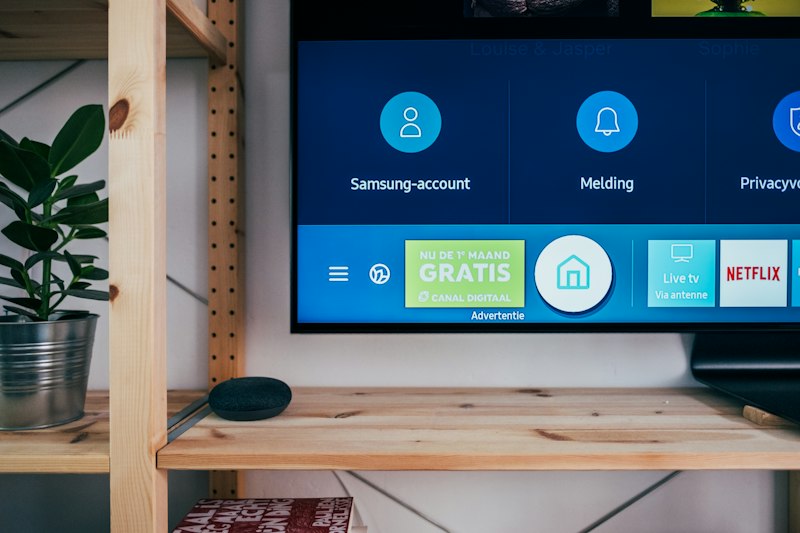
- Smart TVs — Samsung, LG, Android TV, Fire TV
- Mobile — iPhone, iPad, any Android phone or tablet
- Desktop — Windows, Mac, Linux, Chromebook
- Gaming consoles — PS5, Xbox (via built-in browser)
- Fire Stick / Chromecast — through their browser apps
For detailed setup instructions on each device, check our IPTV on every device guide.
Live TV, Movies, and Series — Organized
MEGAFR automatically categorizes your M3U playlist into Live TV, Movies, and Series sections. Content is grouped by provider (Netflix originals, Disney+, HBO, etc.), making browsing intuitive. A powerful search lets you find anything in seconds across thousands of items.
Favorites and Watch History
Bookmark channels and VOD content for quick access. Your watch history tracks where you left off, so you can resume a movie on your phone that you started on your TV.
How MEGAFR Compares to Native IPTV Apps
| Feature | MEGAFR (Web) | Native Apps |
|---|---|---|
| Installation Required | No | Yes |
| Works on All Devices | Yes | Device-specific |
| Auto-Updates | Instant (server-side) | Manual/Store |
| Storage Space | Zero | 50–200 MB |
| Multi-Profile | Yes (5 profiles) | Rare |
| TMDB Integration | Built-in | Some apps |
| PIN Protection | Per profile | Rare |
| Interface Quality | Netflix-grade | Varies widely |
For a broader comparison, see our best IPTV players compared guide.
Getting Started With MEGAFR
Setup takes under two minutes:
- Create an account — username, email, and password
- Add your M3U playlist URL — from your IPTV provider
- Create profiles — set names, avatars, and optional PINs
- Start watching — browse channels, movies, and series
If you're new to IPTV entirely, our beginner's setup guide covers everything from choosing a provider to your first stream. For troubleshooting, visit our IPTV troubleshooting guide.
The Future Is in the Browser
As internet speeds increase and browser capabilities expand, the gap between native apps and web apps is disappearing. MEGAFR proves that you don't need to sacrifice features for convenience. It's the future of IPTV technology available today — powerful, accessible, and beautifully simple.