One of IPTV's greatest strengths is device flexibility. Unlike cable TV, which chains you to a set-top box, IPTV works on virtually any screen with an internet connection. Here's how to set up IPTV on every device you own.
Smart TVs (Samsung, LG, Android TV)
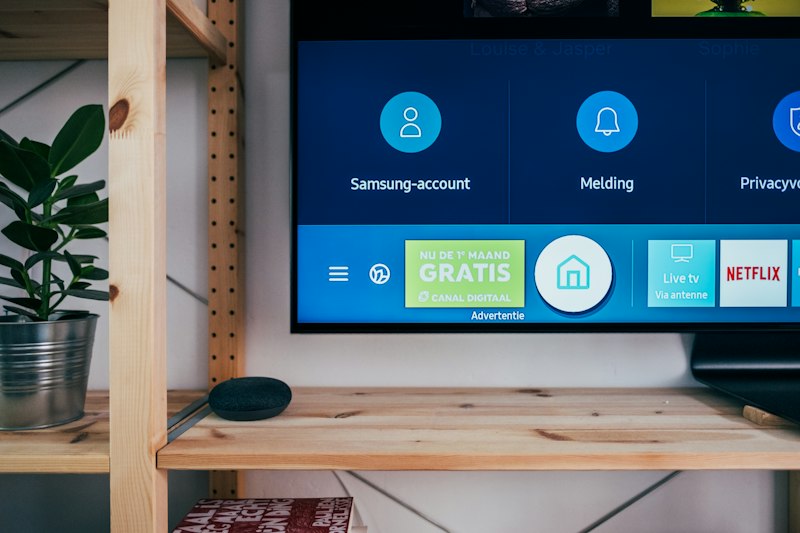
Samsung Tizen OS
Samsung Smart TVs run Tizen OS. Options include Smart IPTV app (one-time €5.49) or using the built-in web browser to access browser-based players like MEGAFR.
LG webOS
LG TVs use webOS. Similar to Samsung, you can use the SS IPTV app or the built-in browser. The browser approach is often more reliable as it doesn't depend on app store availability.
Android TV (Sony, TCL, Xiaomi, Philips)
The most IPTV-friendly platform. Install TiviMate, IPTV Smarters, or any APK from the Play Store. Or simply open Chrome and use a web-based player.
Amazon Fire TV Stick
The Fire Stick is a favorite for IPTV users due to its low cost and Android base. Sideload apps like TiviMate or use the Silk browser to access web-based players. Setup is straightforward via the beginner's guide.
Mobile Devices
Android Phones and Tablets
The widest selection of IPTV apps: TiviMate, IPTV Smarters Pro, GSE Smart IPTV, and dozens more on the Play Store. Or use Chrome to access web-based players for a cleaner experience.
iPhone and iPad
iOS is more restricted for IPTV apps. GSE Smart IPTV and IPTV Smarters are available on the App Store. The best option for iOS users is a browser-based player accessed through Safari or Chrome — no app restrictions, no sideloading.
Desktop and Laptop
Windows and Mac
Options include VLC Media Player (free, plays M3U files directly), IPTV Smarters for Windows, or browser-based players. For the best experience, web-based players offer the richest interface with TMDB metadata, profiles, and Netflix-style browsing.
Chromebook
Perfect for web-based IPTV. Open Chrome, go to your IPTV player's URL, and start watching. Chromebooks can also run Android apps from the Play Store.
Gaming Consoles
PS5 and Xbox Series X both have web browsers. While not officially supported, you can access browser-based IPTV players through them. Performance varies but is generally acceptable for live TV.
The Universal Solution: Browser-Based Players
Notice a pattern? On every device, the browser option works. That's the beauty of web-based IPTV players: one URL, every device, identical experience. No compatibility worries, no app store restrictions, no sideloading headaches. Just open the browser and watch.
Whichever device you choose, ensure your internet speed is sufficient, your security is tight, and your IPTV provider is legitimate.
