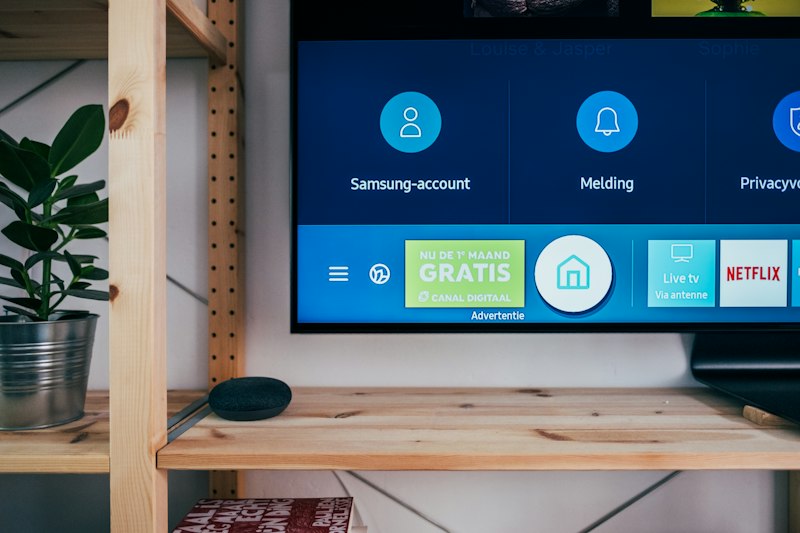
IPTV is reliable most of the time, but when problems strike — buffering during the big game, black screens, audio out of sync — you need quick solutions. This guide covers every common IPTV issue with step-by-step fixes.
Problem 1: Buffering and Freezing
The most common IPTV complaint. Causes and fixes:
- Insufficient bandwidth — test your speed at fast.com. You need at least 10 Mbps for HD. See speed requirements.
- WiFi congestion — switch to 5 GHz band, or use ethernet. This alone fixes 60% of buffering issues.
- ISP throttling — try a VPN. If buffering stops, your ISP is throttling. See our security guide.
- Server overload — your provider's server may be overloaded during peak hours. Try different channels or wait.
- Player settings — reduce buffer size, lower quality to 720p, enable hardware decoding.
Problem 2: Black Screen (No Video)
- Stream format incompatibility — the channel uses a codec your player/device doesn't support. Try a different player or enable transcoding.
- Expired playlist — M3U URLs expire. Get a fresh URL from your provider.
- CORS restriction — browser players may be blocked by CORS. Use a player with proxy support like MEGAFR.
- Channel is down — not your fault. Try another channel from the same category.
Problem 3: Audio Out of Sync
- Player audio delay setting — most players have an audio sync adjustment (±500ms usually fixes it)
- Hardware decoding issue — switch between hardware and software decoding
- Source problem — if only one channel has the issue, it's the source, not your setup
Problem 4: EPG Not Loading
- Wrong EPG URL — verify the URL with your provider
- Large EPG file — some EPGs are 50+ MB and take time to download/parse
- Mismatched channel IDs — EPG uses tvg-id to match channels; if they don't match, no guide data appears
Problem 5: Playlist Won't Load
- Typo in URL — double-check every character, especially after & and = signs
- Subscription expired — contact your provider
- Server down — try the URL in a web browser; if it downloads a file, the URL works
- Too many connections — some providers limit concurrent connections
Problem 6: App Crashes
- Clear app cache — accumulated data can cause instability
- Update the app — bugs are fixed in newer versions
- Switch to a web-based player — browser players don't crash the same way and auto-update
General Optimization Tips
- Restart your router weekly
- Keep your device's OS and player updated
- Use DNS servers like 1.1.1.1 or 8.8.8.8 for faster resolution
- Close background apps that consume bandwidth
- Test your setup with a known-working channel before reporting issues
If problems persist after trying these solutions, contact your IPTV provider's support team with details: device type, player app, error messages, and when the issue occurs. For choosing a more reliable setup, see our guides on choosing an IPTV service and the best IPTV players.